Is Carbo-AI free?
Carbo-AI is free to download. Using it requires a Carbo-AI Pro subscription, billed through the App Store. If a free trial is offered, its terms are shown before you buy. Cancel anytime.
How accurate is the carb estimate?
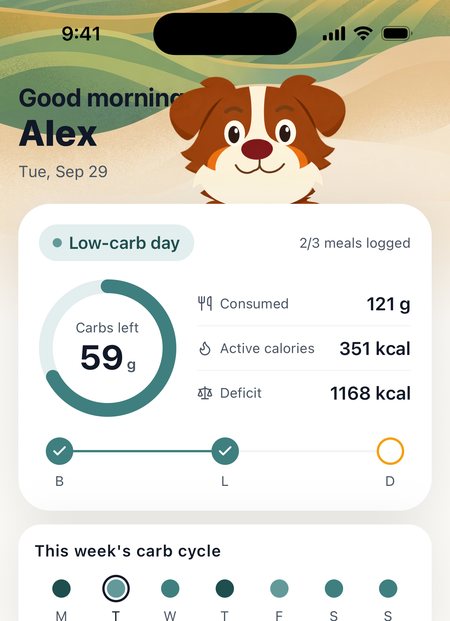
It's an estimate: the app recognises the food, estimates the portion and looks up its nutrition. Treat it as a starting point and edit it before you save when it's off. Carb cycling aims at a daily range, not one exact number, so a close estimate is enough.
What happens to my photos?
Your photo goes to our servers and on to a third-party AI provider to recognise the food. We don't store meal photos on our servers. The provider doesn't use them to improve its products, and may keep them for a limited period solely to detect abuse. Photos taken with the in-app camera stay only in the app's temporary storage on your phone.
Does it work on Android?
Not yet — Carbo-AI is iPhone-only.
How do I cancel?
iPhone Settings → your name → Subscriptions → Carbo-AI → Cancel. Deleting the app doesn't cancel the subscription.
How do I delete my account?
In the app: Profile tab → gear icon → Settings → Delete account. Your server-side data is deleted immediately; copies in our encrypted backups expire within 30 days.
Which Apple Health data does it read?
Active energy, resting energy, steps, weight, body fat and workouts — read-only, never written back.